
| (Start) | 2. Creating an application that displays "Hello World" |
< Previous |
BrightBuilder is the tool that makes mobile applications possible without too much cost on application development and the need for custom source code.
Before downloading the executable, check our system requirements in order to run BrightXpress applications on your devices.
To make your own mobile application you will need to install BrightBuilder. You can do this by any of the following methods:
Download the BrightXpress bundle which includes BrightBuilder, BrightServer and BrightForms from the brightxpress.com site
Download each application separately (Though we at least need BrightBuilder to build apps)
Run the downloaded executable and follow the screens prompts to install.
BrightBuilder may be run by any of the following methods:
From Windows' taskbar, select Start > All Programs > BrightSoftware > BrightBuilder > BrightBuilder
Run brightbuilder.exe from the brightbuilder\bin folder of the installation directory
Double-click on BrightBuilder shortcut
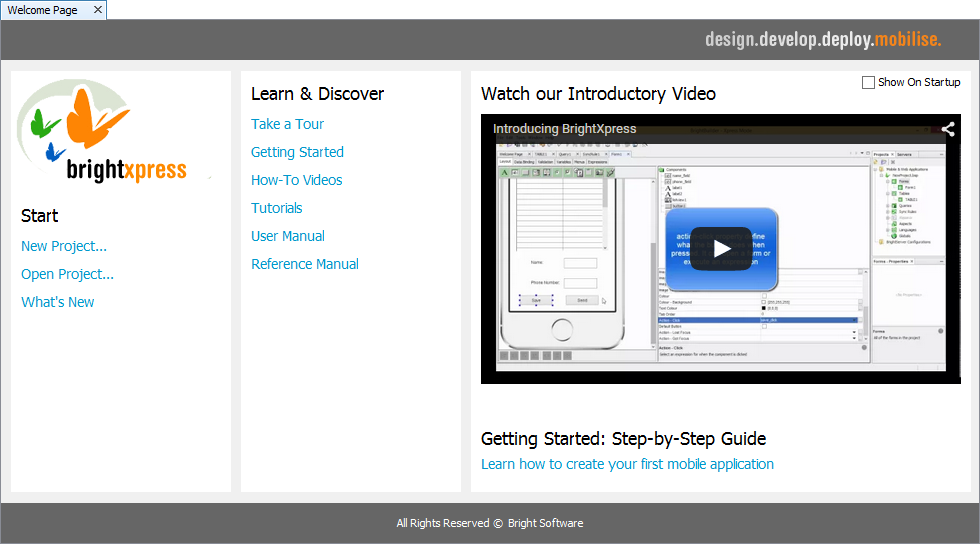
When opening BrightBuilder for the first time the “Welcome Page” as displayed in the above screenshot will appear.
| (Start) | 2. Creating an application that displays "Hello World" |
< Previous |